
Native capture and encode
ScreenCaptureKit and hardware VideoToolbox encoding. HEVC by default, H.264 available, up to 60 fps.
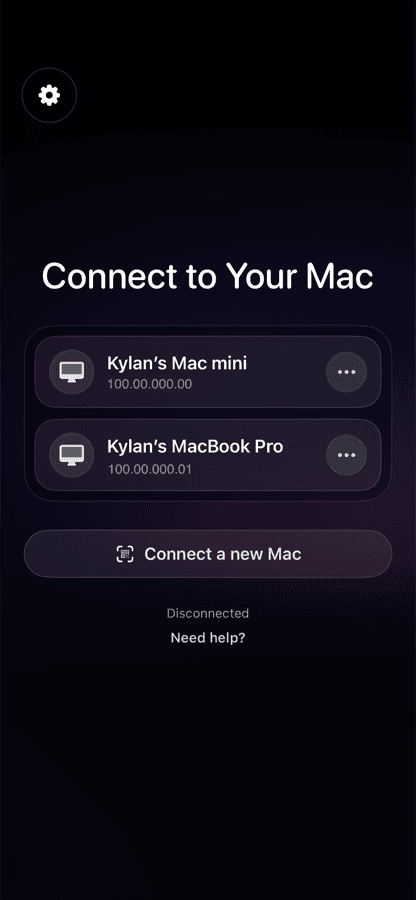
Native remote control for your Mac from an iPhone, iPad, or another Mac. Encrypted end to end, connecting directly over your own network. Free, with no account required.
Free and open source, for Mac, iPhone, and iPad.
View on GitHub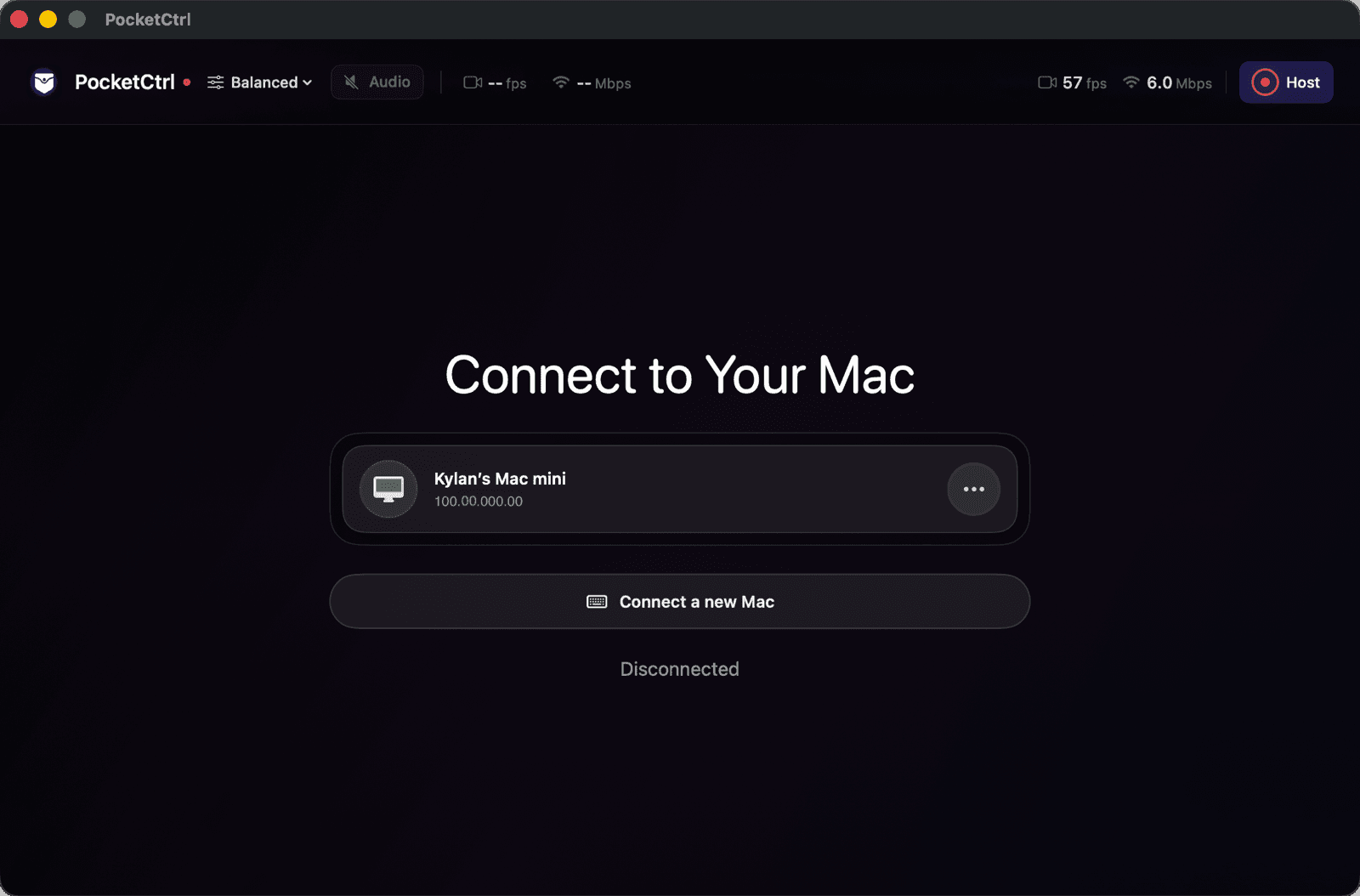
How it works
PocketCtrl connects your Mac and your device directly over your own network. There is no PocketCtrl account to sign in to and nothing to set up in the cloud.
The Mac shows a QR code or a 12-character code that expires in two minutes. Approving a device requires Touch ID or your password on the Mac itself.
On the same Wi-Fi, PocketCtrl finds your Mac over Bonjour. Anywhere else, it uses your own Tailscale tailnet. Traffic goes device to device.
A touch trackpad with real gestures, a keyboard with Mac shortcuts, voice typing, clipboard sync, and system audio. View-only until you say otherwise.
Features
Everything is built natively for each platform. The Mac app is both host and viewer; the iPhone and iPad app is a real client with real input.
ScreenCaptureKit and hardware VideoToolbox encoding. HEVC by default, H.264 available, up to 60 fps.
One finger to point and click, two to scroll, pinch to zoom, two-finger double-tap to reset. Double and triple clicks work.
With a Magic Keyboard or trackpad, hover states, right-click, and native scrolling all behave like a real pointer.
Streaming speech recognition types into the Mac as you speak, not after you stop.
A full keyboard overlay and a palette of common Mac shortcuts, one tap away.
Bidirectional text clipboard sync and system audio streaming, each gated behind its own permission.
Saver, Balanced, and Max profiles on the client. The host adjusts bitrate live from viewer feedback.
Choose which display to share. Save several Macs, rename them, and wake them with Wake-on-LAN.
Runs from the menu bar, launches at login, keeps the Mac awake while hosting, and resumes after sleep.
Security
Every new device starts view-only with a session-only credential that is never written to disk. Input, clipboard, audio, and unattended access are separate capabilities you grant explicitly, and approving any device requires Touch ID or your password on the Mac.
| Capability | Default | Notes |
|---|---|---|
| Screen viewing | Always | The base permission for any approved device. |
| Mouse and keyboard | Off | Enable per device. Requires Accessibility on the Mac. |
| Clipboard | Off | Text only, size-capped, both directions. |
| Mac audio | Off | Audio packets are dropped at the crypto layer unless granted. |
| Unattended access | Off | Session-only credentials are never written to disk. |
Pre-release software
The protocol has not received a professional independent audit. Do not expose PocketCtrl's ports to the public internet; use a local network or Tailscale. Read the security policy
New Device Request
Approve only a device that is physically in your possession.
The approval sheet shown on the Mac for every new device.
Connectivity
PocketCtrl connects your devices to each other directly. Which route it uses is pinned at pairing time, so a device paired over Tailscale only accepts Tailscale traffic.
On the same Wi-Fi, the Mac advertises itself over Bonjour and the client finds it automatically. Discovery shares routing metadata only, never a credential, and can be switched off entirely.
Away from home, your own Tailscale tailnet gives both devices a private address. The pairing code embeds the Mac's Tailscale address, so you never type an IP. Tailscale handles NAT traversal; PocketCtrl stays end-to-end encrypted on top.
Automation
The Mac host exposes a loopback-only, token-authenticated control API. Drive it from the command line, or hand it to an AI agent through the bundled MCP server.
Command line
Start, stop, restart, read the pairing code, or change fps, bitrate, codec, and permissions from a shell.
MCP server
Seven tools let Claude, Codex, or any MCP client manage the host. When an agent is driving your Mac, PocketCtrl is how you watch, step in, and take over from your phone.
Local only
The API listens only on the Mac itself and rejects connections from anywhere else. Regenerating the pairing key invalidates the control token immediately.
# Build the CLI from the repository root$ swift build --product pocketctrl-control# Inspect and tune the running host$ pocketctrl-control status$ pocketctrl-control set fps 60 bitrate 12 remote-input on$ pocketctrl-control codeQ2WX-7RKM-4TJB expires in 1:52
MCP tools
pocketctrl_host_statuspocketctrl_host_pairing_infopocketctrl_host_startpocketctrl_host_stoppocketctrl_host_restartpocketctrl_host_regenerate_pairingpocketctrl_host_set_settingsGet started
Two short guides cover the Mac permissions and the private network. Everything else is handled by pairing, and the help center explains every message you might see.
$ git clone https://github.com/PocketCtrl/pocketctrl.git$ cd pocketctrl/PocketCtrlNative$ open PocketCtrl.xcodeproj# Run the PocketCtrl scheme on a Mac, PocketCtrlMobile on iPhone or iPad
Requirements
Open source
Read the code, build it yourself, and verify every claim on this page. PocketCtrl is free to use, and everything it does today stays free. Issues and pull requests are welcome.
The apps, protocol, CLI, and MCP bridge are Mozilla Public License 2.0. Every published version stays available under that license.
Licensing policyDevelopment checks, the pull request template, and the contributor license agreement are documented in the repository.
Contributing guideCreated by Kylan O'Connor at Iterative, which owns and maintains the project with a documented governance and trademark policy.
Governance